The short answer: a commercial camera system is a visibility plan
For a commercial facility, cameras are only one part of the system. The real value comes from being able to see the right areas, record the right detail, find footage quickly, and support the way the site actually operates. A warehouse, packing house, fenced yard, manufacturing plant, cold storage facility, and office building all need different camera decisions.
A strong camera project starts by defining what each view must accomplish. Some cameras are for general awareness. Some are for identification at doors, gates, docks, counters, or vehicle lanes. Some are for verification after an alert. Some are for operational review, safety documentation, or inventory protection. If the facility does not define those outcomes first, it can end up with expensive cameras that still miss the moment that matters.
Coverage goals before camera models
Identification views separated from overview views
Planning for facilities, yards, docks, and controlled spaces
Documentation the facility can use after install
Start with the areas where money, movement, and liability meet
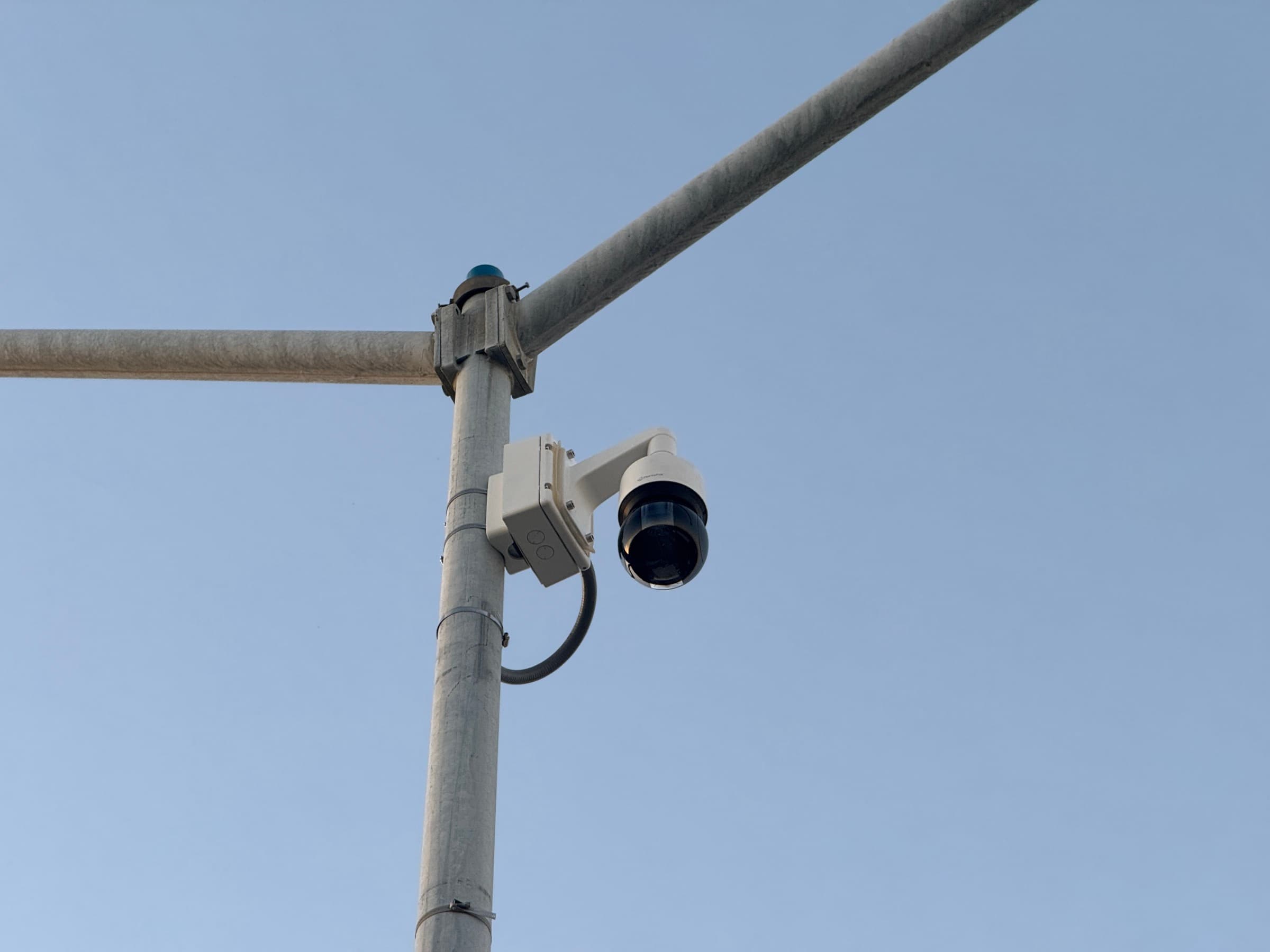
The most important camera locations are usually where people, vehicles, inventory, or restricted access intersect. For Central Valley facilities, that often means gates, loading docks, exterior yards, employee entrances, production areas, shipping lanes, high-value equipment, refrigeration areas, and shared drive aisles. The system should help the buyer answer what happened, when it happened, where it happened, and who or what was involved.
A site walk should identify blind spots, lighting issues, mounting limitations, existing cable paths, network room locations, and where the team currently struggles to review incidents. The best camera plan is not the one with the highest camera count. It is the one that uses each camera for a defined purpose and avoids wasting budget on angles that do not produce useful evidence.
Gates and vehicle entries
Docks, yards, and drive lanes
Inventory and equipment-heavy areas
Employee, vendor, and visitor access points
Infrastructure decides whether the cameras stay reliable
Commercial cameras rely on low-voltage infrastructure: cable routes, switches, network capacity, recording equipment, power, equipment rooms, grounding practices, labeling, and service access. A camera can be excellent on paper and still perform poorly if the network path is weak, the switch is overloaded, or the cable route was improvised.
For larger properties, yards, detached buildings, and long exterior runs, fiber or backbone planning may be needed before final camera placement. Metal buildings, heat, dust, forklifts, refrigeration equipment, outdoor exposure, and long distances all affect the design. In California commercial facilities, the camera system also has to be coordinated with the owner, IT team, electrical contractor, general contractor, insurer, and any internal policies around employee areas or public-facing recording.
Structured cabling and tested drops
PoE switch capacity and network segmentation planning
Fiber or backbone links for distance
Rack, UPS, labeling, and handoff documentation
Recording should match how the facility investigates incidents
Recording is not just a storage number. The facility should know how long footage needs to be retained, what resolution is required for useful review, which users can access footage, and how quickly managers can search by time, camera, motion, or event. A system that records video but makes footage hard to find is not doing the job.
Retention planning should account for camera count, resolution, frame rate, compression, motion settings, business risk, and the kinds of incidents the facility expects to investigate. A high-traffic gate, cash area, dock, or inventory room may need a different retention strategy than an overview camera in a low-risk area. Buyers should avoid vague promises and ask for a practical explanation of how footage will be stored, searched, exported, and protected.
Retention targets by camera role
Searchable playback and export workflow
Manager and owner-level user permissions
Storage sized around real camera settings
Monitoring only works when the camera plan supports response
Live video monitoring and alert-based response can be valuable for yards, gates, equipment areas, and after-hours facilities, but monitoring cannot fix a bad camera layout. The camera must see the right activity, the lighting has to support verification, and the escalation path has to be clear.
A monitoring-ready system should define which events matter, what should be ignored, who gets contacted, what the monitoring team can say, and how false alarms will be reduced. That requires practical planning around camera angles, analytics, schedules, after-hours zones, and facility-specific procedures. For commercial buyers, the question is not simply whether monitoring is available. The question is whether the installed system gives monitoring operators enough useful context to act.
After-hours schedules and zones
Lighting and angle checks for verification
Escalation rules for managers or authorities
Camera views designed for action, not decoration
What California commercial buyers should verify before approving work
Before approving a commercial camera proposal, buyers should ask whether the contractor understands commercial low-voltage infrastructure, whether the plan includes cable paths and network capacity, and whether the final system will be documented. They should also confirm that any recording policies, employee-facing camera locations, signage questions, or owner requirements are reviewed with the proper internal or legal advisors.
The proposal should make the system easier to own after installation. That means labeled cameras, clear names, documented equipment locations, known admin users, support expectations, warranty details, and a practical handoff. If the proposal is mostly a list of camera models and a total price, it is probably missing the parts that make the system dependable.
License, insurance, and commercial project fit
Cable, network, recorder, and power scope
Retention and user access plan
Post-install training and documentation